Use Internet
A reliable internet connection is required to stream properly.
 Pay Online
Service Details
Mac Smart TV uses streaming software on supported internet-connected devices so customers can watch from TVs, tablets, smartphones, computers, and select streaming boxes.
A reliable internet connection is required to stream properly.
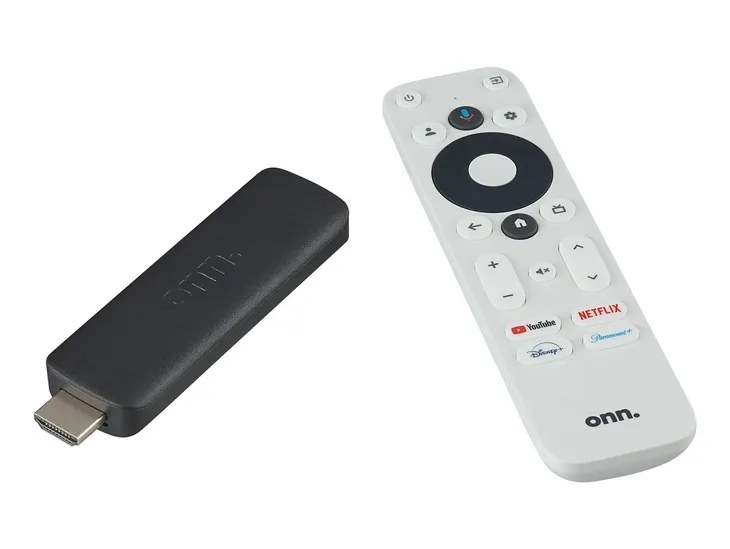
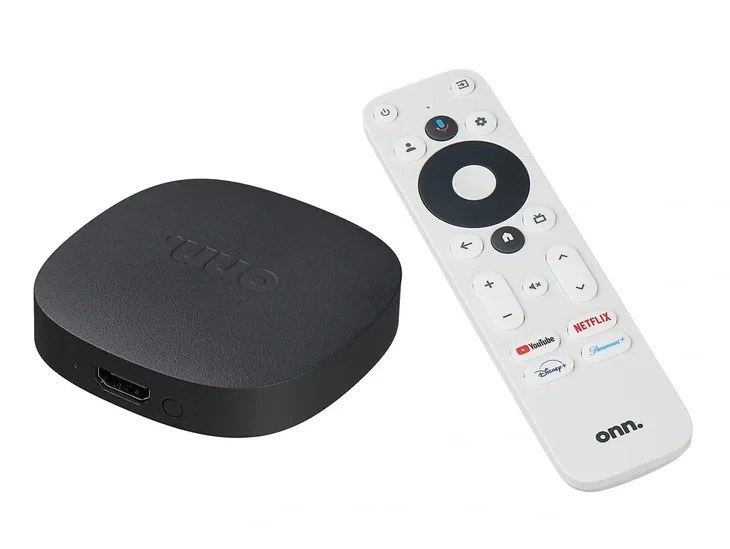
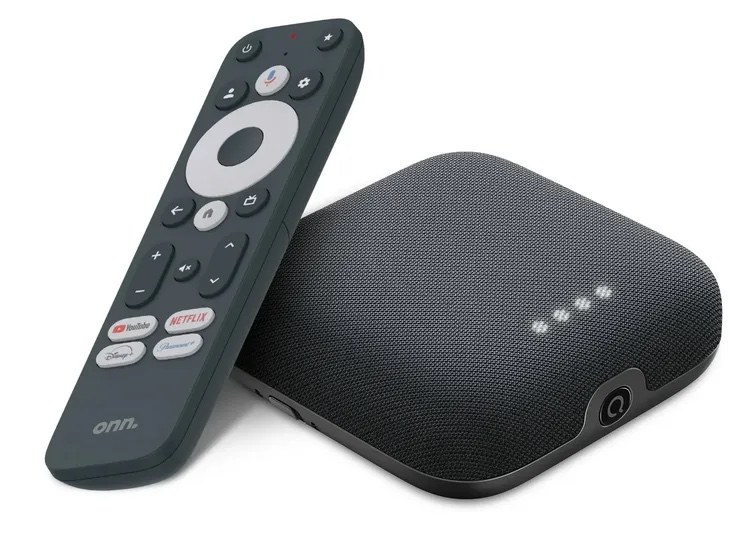
Use a compatible device you already own or ask about a recommended media setup.
Pick Standard or Deluxe, then select the number of simultaneous connections you need.
Text Mac Smart TV with your device and screen count so setup can be guided.
Bring Your Own Device
Older devices may work, but speed, storage, Wi‑Fi strength, and age can affect performance. A newer device is recommended if buffering, app crashes, or connection problems occur.
See Device OptionsService Details Visuals
 Cut The Cord
 Stream Anywhere
 Setup Support
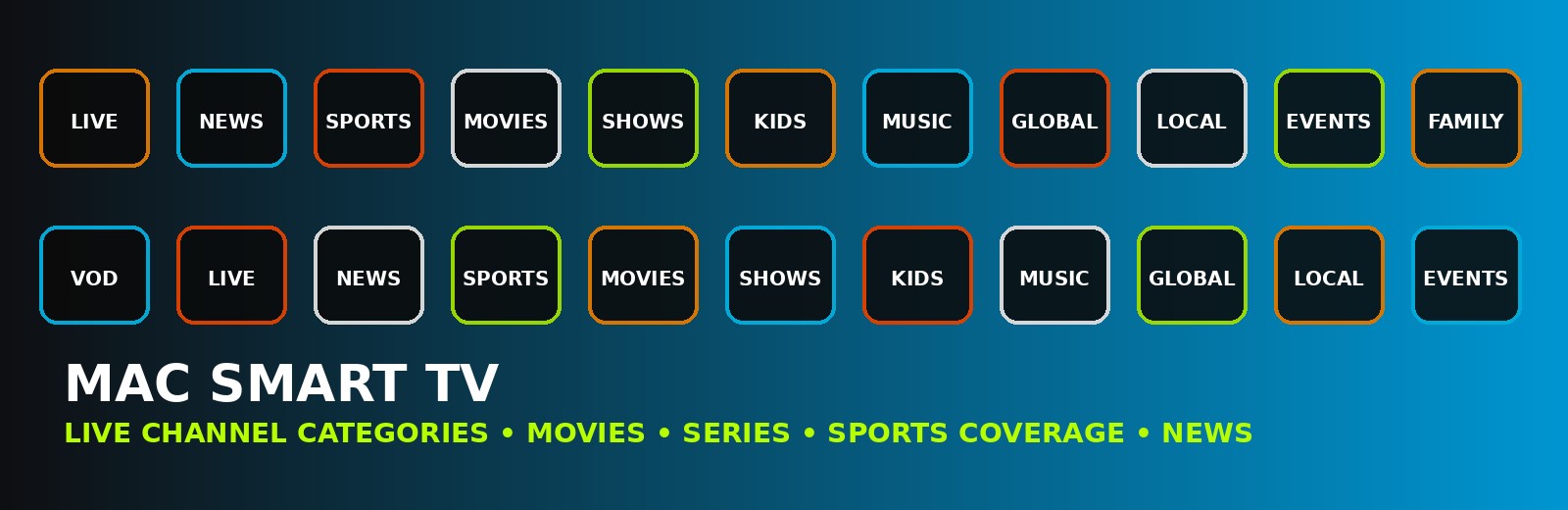
Content Categories
 Live Channels
 Watch Live TV
 Sports Coverage
 Video On Demand
 Movies
 Family Viewing
Internet + Media Device Setup
Mac Smart TV works through reliable internet and supported media devices. Use your TV, phone, tablet, streaming box, or computer, then text us your setup info for the best next step.
View Media Devices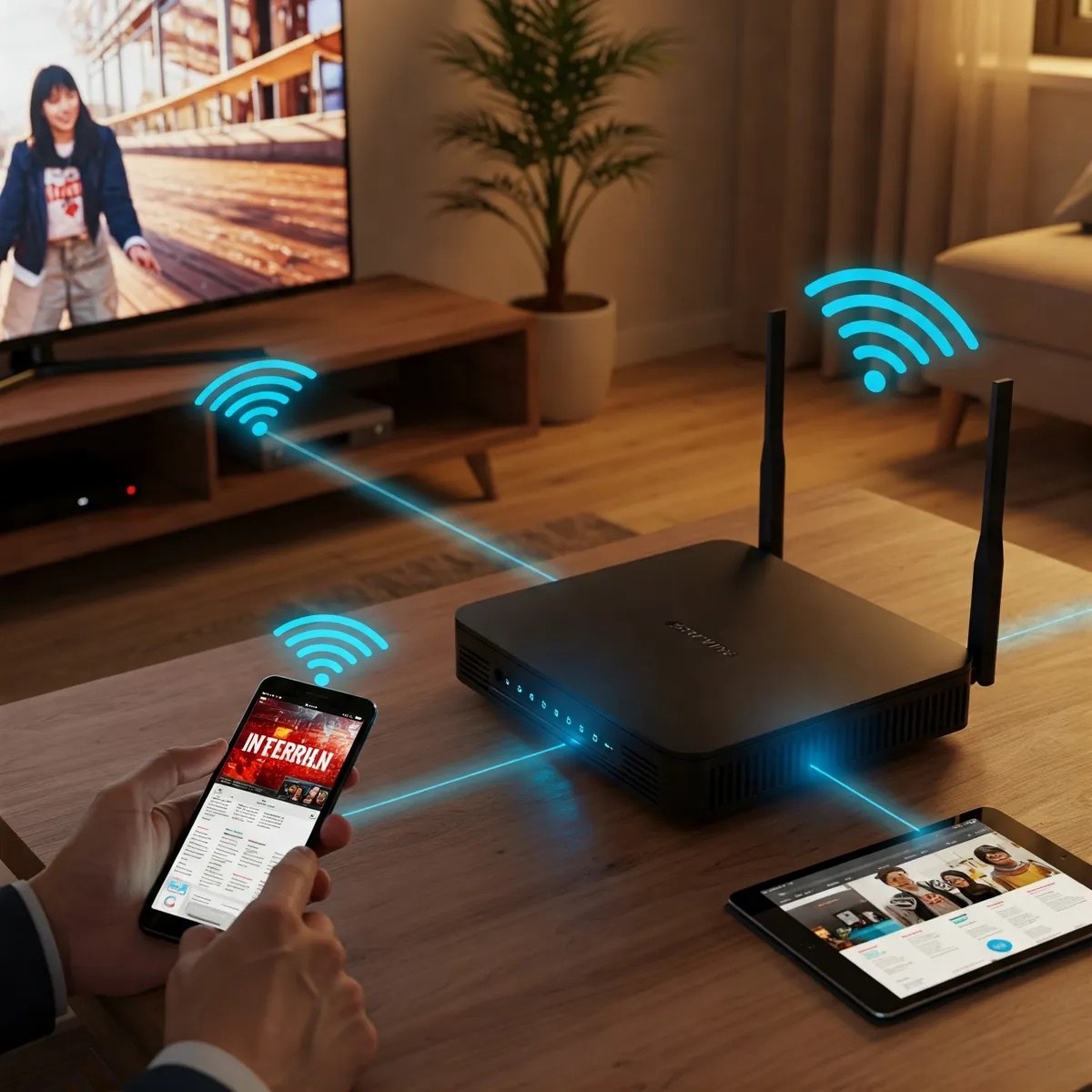
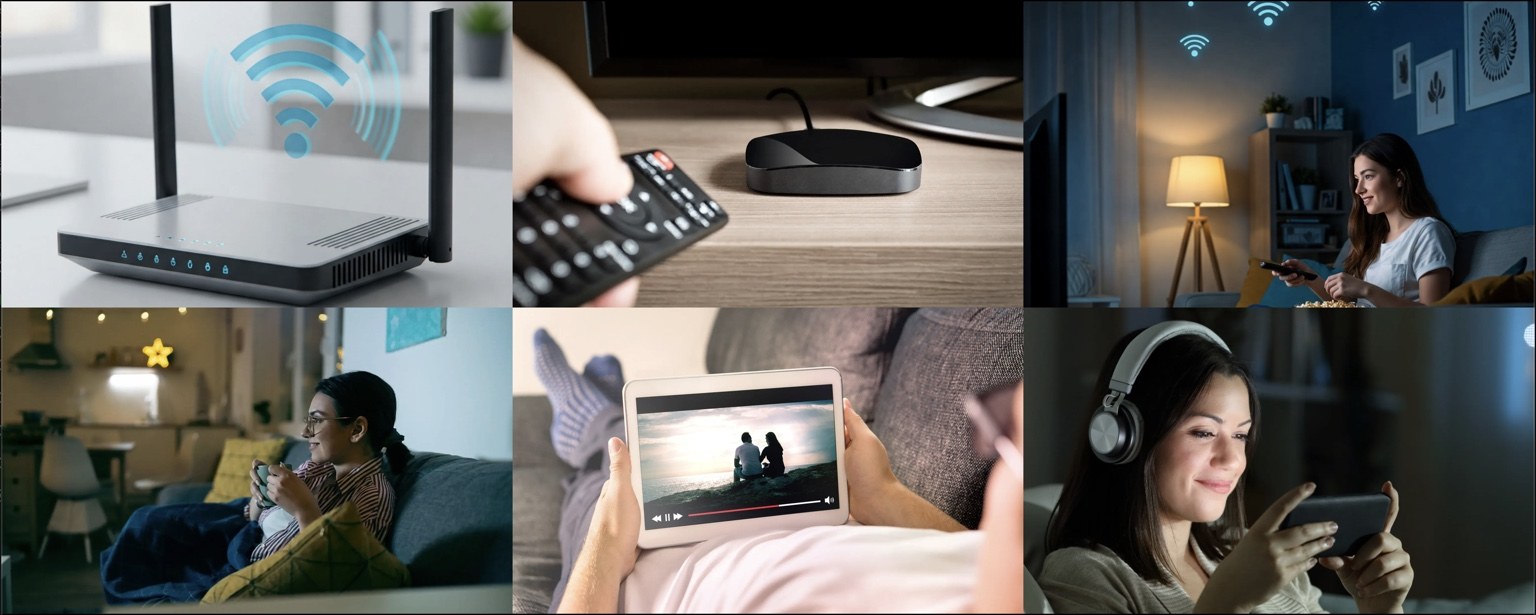
Stream Anywhere
 Multiple Devices
 Remote Control
 Streaming Signal
Stop Giving the Cable Company Your Money
Mac Smart TV helps customers break free from expensive cable and satellite bills while enjoying more channels, more content, more selection, and more money left in your pocket.
We strive to give our customers the best service at the best price.
Pay Online
Premium Watch Experience
 Sports Bar Energy
 Entertainment Universe
 Premium TV
 Multi-Screen Viewing
 Smart Channel Guide
 Sports Theater
Pre-Loaded Device Options

Cable Savings Calculator
Enter your current cable or satellite bill, then compare it with a Mac Smart TV package. This helps customers quickly see why cutting the cord makes sense.
View Packages