Check Internet
A stable internet connection is the foundation of the streaming experience.
 Pay Online
Info / Tips
Use these tips to keep your viewing experience smoother and to help Mac Smart TV support understand any issues quickly.
A stable internet connection is the foundation of the streaming experience.
Restarting your streaming device can clear temporary app or memory issues.
Low storage can slow devices down. Remove unused apps and restart.
When texting support, include your device, package, connection count, and what happened.
Older devices may struggle. A newer streaming box may improve performance.
Include username/name, package type, connections, and number of months when paying.
Service Details Visuals
 Cut The Cord
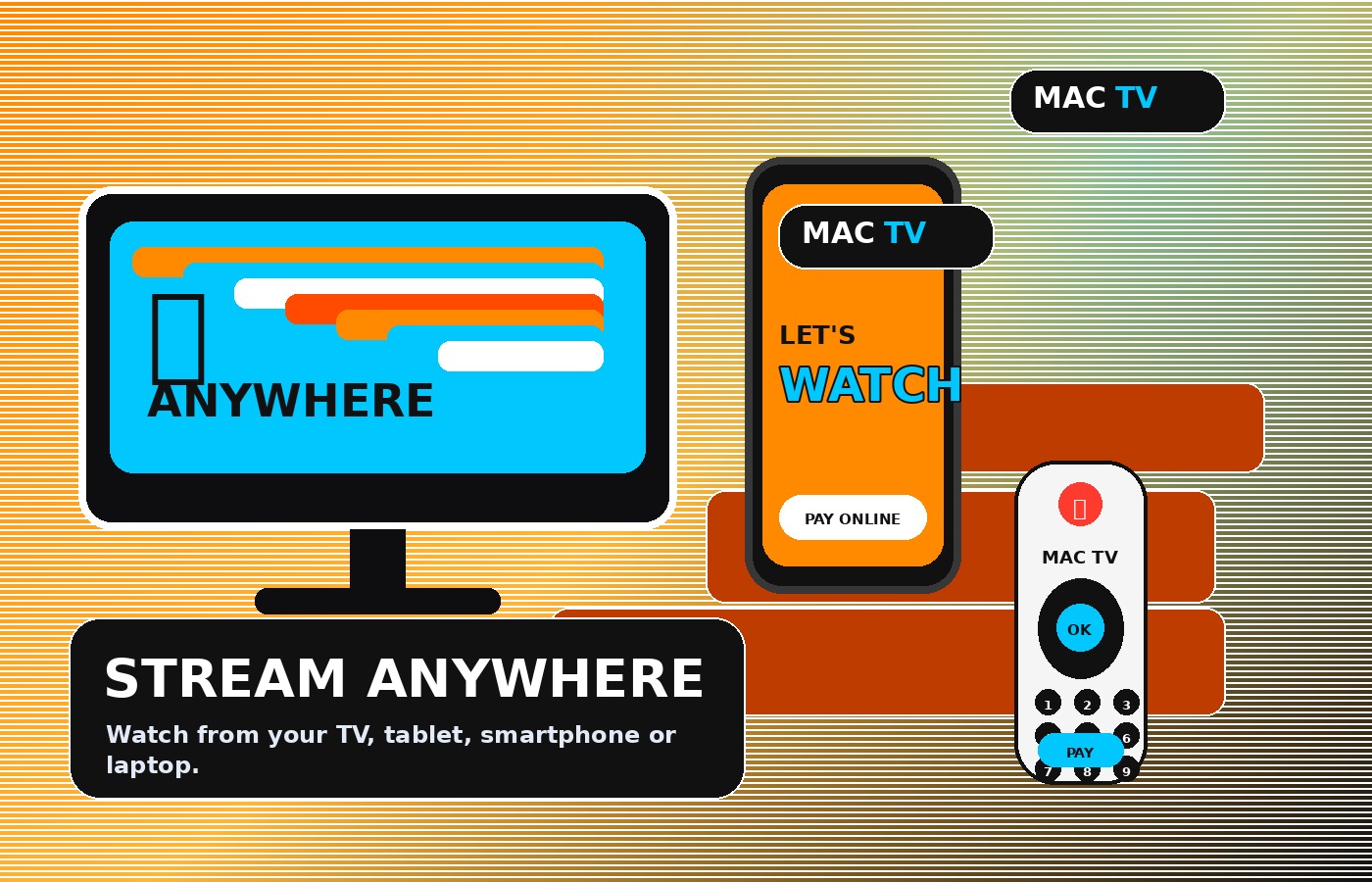 Stream Anywhere
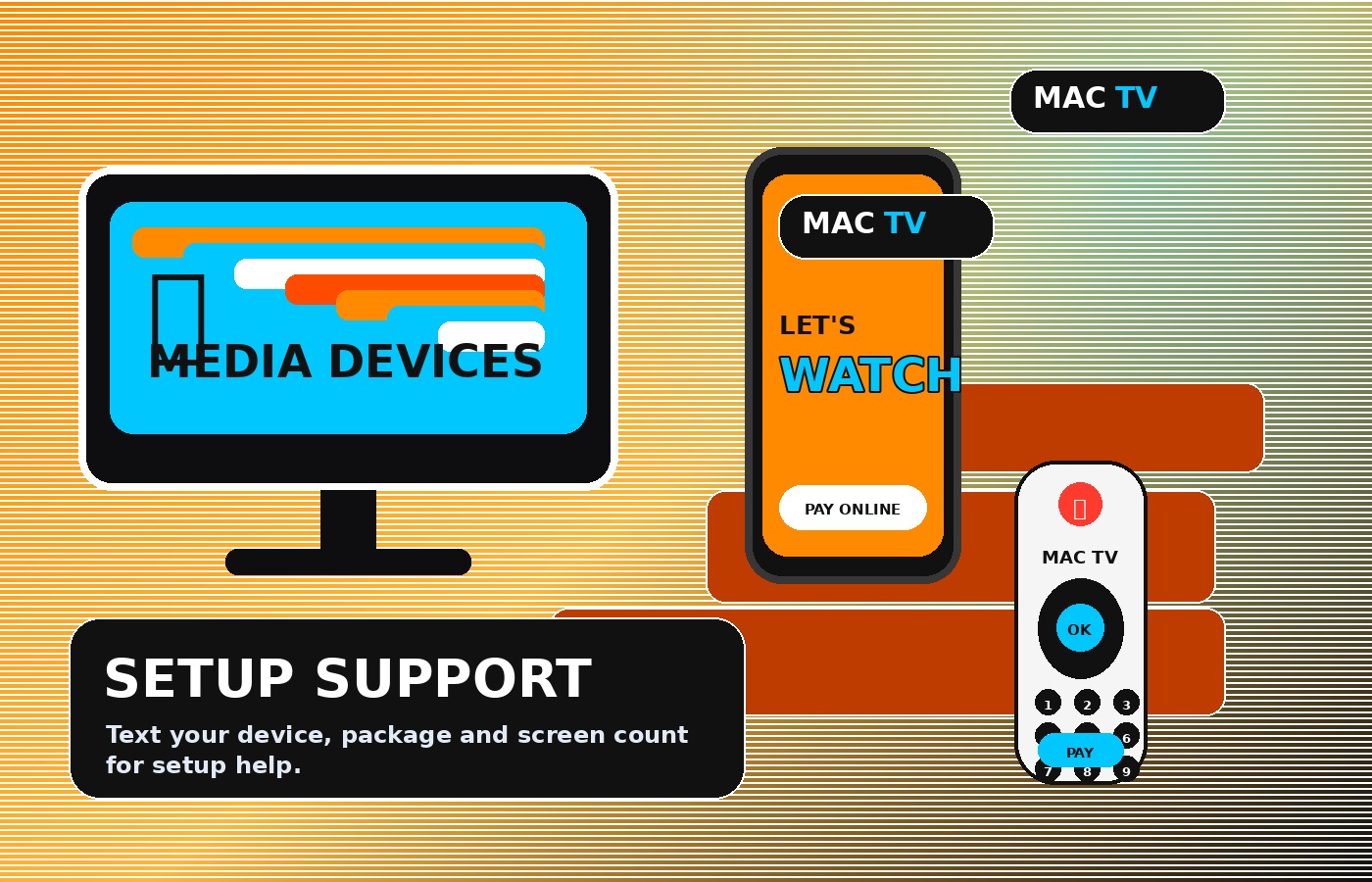 Setup Support
Internet + Media Device Setup
Mac Smart TV works through reliable internet and supported media devices. Use your TV, phone, tablet, streaming box, or computer, then text us your setup info for the best next step.
View Media Devices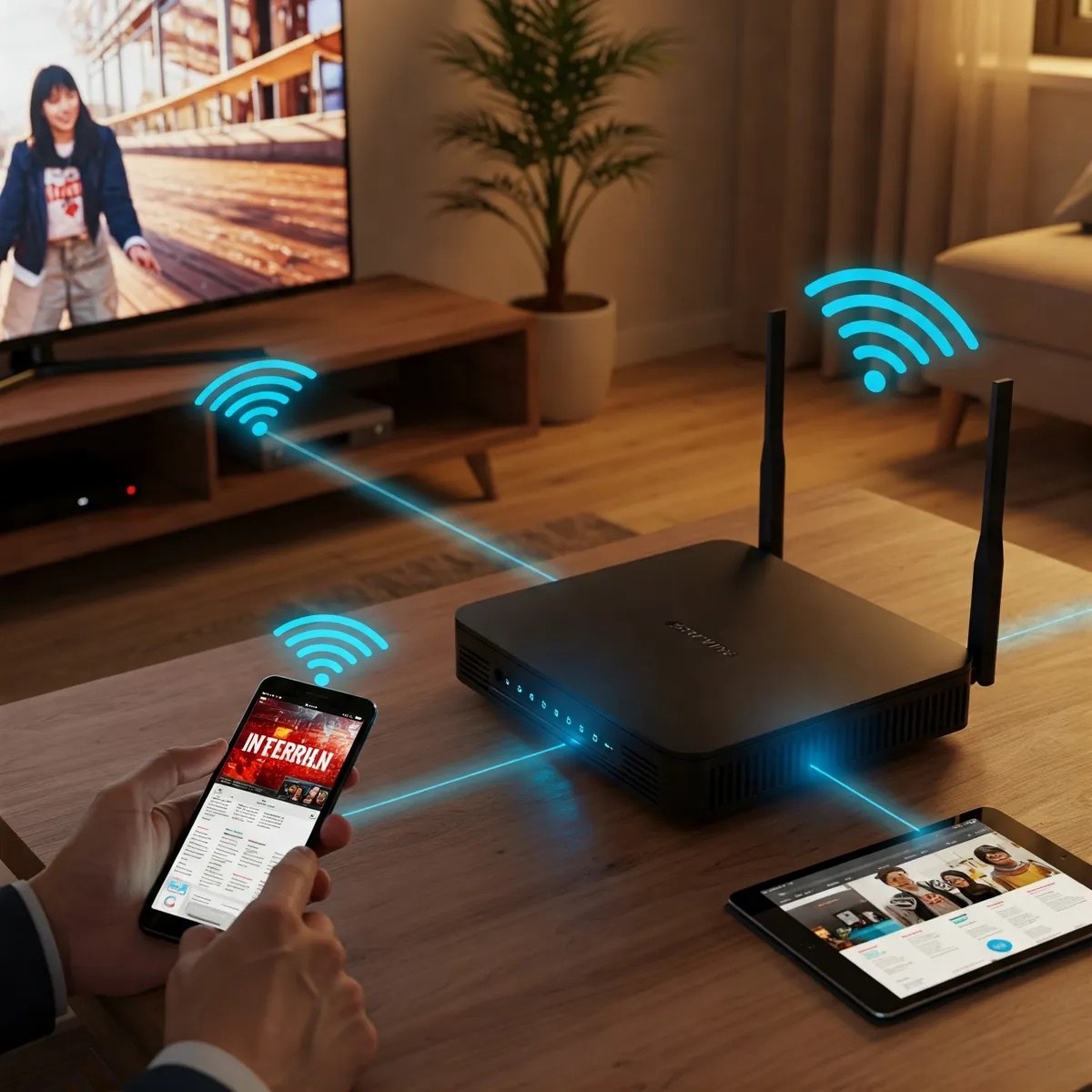
Stream Anywhere
 Multiple Devices
 Remote Control
 Streaming Signal
Stop Giving the Cable Company Your Money
Mac Smart TV helps customers break free from expensive cable and satellite bills while enjoying more channels, more content, more selection, and more money left in your pocket.
We strive to give our customers the best service at the best price.
Pay Online