
 Live TV
FAQ
Frequently asked questions.
Quick answers for customers who want to get connected, choose a package, pay online, or troubleshoot device setup.
How do I get connected with Mac Smart TV?
Start by reviewing the package pricing, choosing your connection count, paying online, then texting your device and setup information.
Can I use my own device?
Yes. Compatible streaming devices, smart TVs, tablets, phones, and computers may work. Device age and performance can affect reliability.
Where are movies and shows located?
Movie and series categories are accessed through the supported app/software interface once your setup is complete.
What if I have a connection or channel issue?
Text Mac Smart TV with the issue, device type, and what you were trying to watch. Clear issue reports help support respond faster.
What is a connection?
A connection is the number of devices that can stream at the same time. Choose the package that matches your household viewing needs.
Can I pay for multiple months?
Yes. Use the payment builder on the Bill Pay page and include notes showing your name, package, connection count, and number of months.
Do you use NFL, network, studio, or device-maker logos?
No. This website avoids unauthorized sports league, TV network, studio, and manufacturer branding.
Mac Smart TV Visual Library
TV, sports, movies, news, devices, and bill pay.
Live TV Sports
 Movies
 TV Shows
 Live News
 Family
Content Categories
Live TV, sports, movies, shows, news, and more.
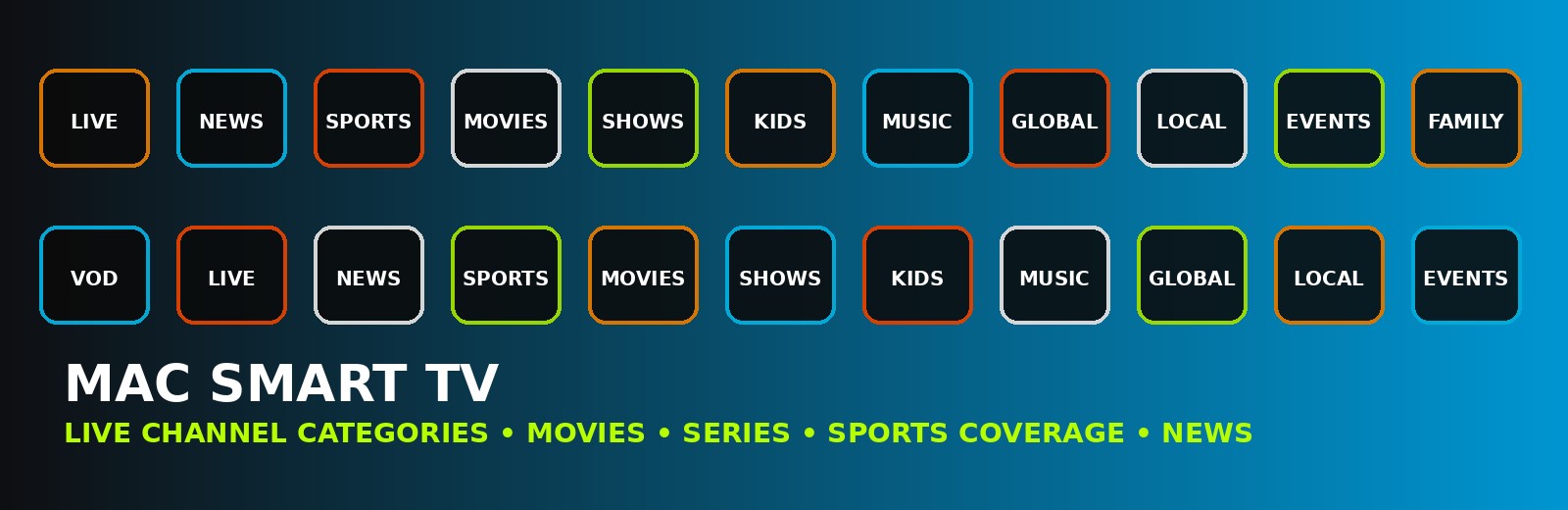 Live Channels
 Watch Live TV
 Sports Coverage
 Video On Demand
 Movies
 Family Viewing
Support & Customer Perks
Service support, referrals, and customer-friendly promos.
 Service Support
 Referral Bonus
 Free Month Promo
Watch More
Live TV, sports rooms, VOD, movies, and multi-screen setups.
 Live Channels
 Sports Coverage
 Video On Demand
 All-In-One Wall
 Sports Theater
 Sports Room
Stream Anywhere
TV, tablet, smartphone, remote, and streaming box visuals.
 Multiple Devices
 Remote Control
 Streaming Signal
Stop Giving the Cable Company Your Money
Save while enjoying more.
Mac Smart TV helps customers break free from expensive cable and satellite bills while enjoying more channels, more content, more selection, and more money left in your pocket.
More Channels
More Content
More Selection
More Money Saved
We strive to give our customers the best service at the best price.
Pay Online